 English
How to build a car auction website like bid.cars
How to build a car auction website like bid.cars: the data feed, database, search index and VIN pages, the hard parts, a five-phase plan and a lean stack.
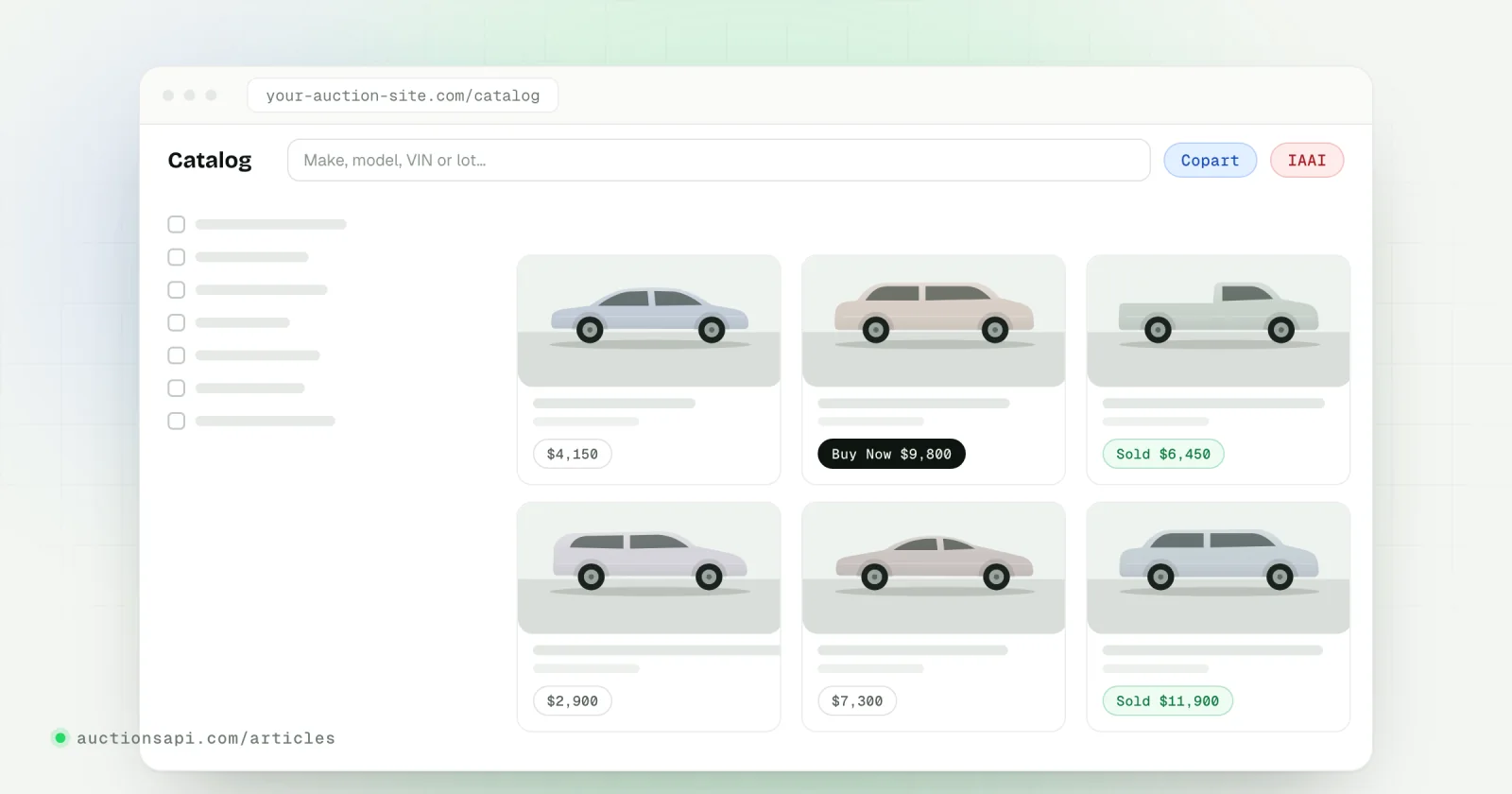
If you want to know how to build a car auction website like bid.cars, the short answer is: get a reliable feed of Copart and IAAI lots, keep your own copy of it in a database that you update every hour, put a search index on top for filters, and render one crawlable page per lot and per VIN. The feed is the part you buy or build; everything after it is ordinary web engineering, and that is where most of the work and most of the difference between sites sits.
We use bid.cars and stat.vin as examples because many people know them. Both are independent sites with no connection to AuctionsAPI; we only describe what they show publicly. Neither of them is an auction: the cars are sold on Copart and IAAI, and these sites present the data around those sales.
This guide covers what such a site shows, the architecture behind it, the parts that take longer than people expect (images, VIN pages, sold history, freshness), a phased build plan and a stack that does not need a large team.
Key takeaways
- A site like bid.cars is a data product: a catalog of current Copart and IAAI lots, a sold archive with final bids and one page per VIN.
- Serve visitors from your own database and search index; call the data API only to sync and for the occasional live lookup.
- Sold history only exists if you start storing it early, so the archive feed belongs in the first release, not the last.
- VIN pages bring most of the search traffic, and they need canonical URLs, sitemaps and real content to rank.
- Calculators for delivery and customs run on your own tables of fees and rates, which you have to maintain by hand.
What sites like bid.cars actually do
Open any of these sites and you find the same building blocks, arranged differently. Strip away the design and there are five of them:
- A catalog of current lots. Every car that is on Copart or IAAI right now, with filters by make, model, year, damage, title, location, odometer and sale date.
- Lot pages. Photos, primary and secondary damage, odometer with its status, title type, keys, run-and-drive condition, the yard, the sale date, the current bid and Buy Now where there is one, and the seller reserve where it is known.
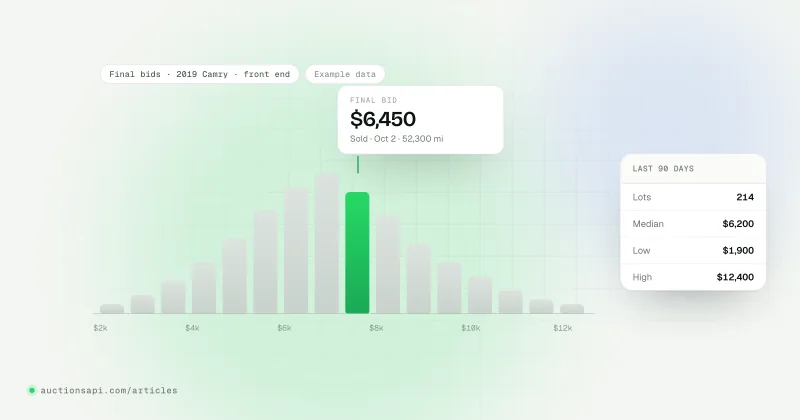
- A sold archive. Lots that already went through the auction, with the final bid. This is what importers use to judge what a 2019 Camry SE with front-end damage really goes for.
- VIN pages. One page per vehicle with every auction appearance of that VIN, often with photos from each sale. People search a VIN after they buy a car, which is why these pages rank.
- Calculators and services. A delivery or customs estimate from the yard to the buyer's country, and usually a broker service, paid reports or advertising, which is how most of these sites earn money.
None of the five involves the auction's own systems. Buying still happens on Copart or IAAI, directly or through a licensed broker. The website is a layer of search, history and explanation on top of public auction data, and that is good news for you: it is a normal web product you can build in stages.
The architecture: feed, database, search index, pages
- 1Data feedCurrent lots from /cars and lots that left the auction from /archived-lots.
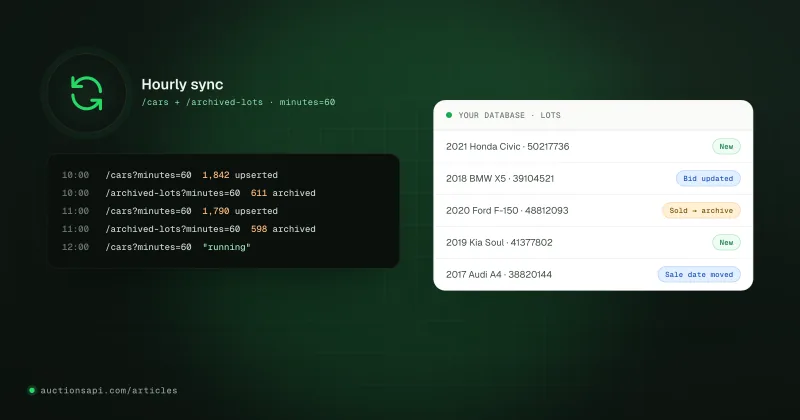
- 2Sync workerAn hourly job that pages through both feeds and upserts vehicles and lots.
- 3Your databaseVehicles, lots, price history and the sold archive you keep for years.
- 4Search indexFacets, sorting by price or date, fast text search over titles and VINs.
- 5PagesServer-rendered catalog, lot and VIN pages, sitemaps and calculators.
The rule that keeps this simple: visitors never trigger a call to the data API for a list page. A catalog with 30 filters, sorting by price and a count per facet has to answer in a few hundred milliseconds. Your own index can do that; a remote API cannot, and it should not have to. The auction data API we document, for example, sorts /cars only by internal vehicle id, which is fine for syncing and useless for a "cheapest first" list.
Live calls are reserved for two cases: refreshing a single vehicle page (/search-vin/{vin} with prices_history=1) and a lookup the visitor typed, where a 17-character VIN goes to /search-vin and a lot number to /search-lot for the chosen auction. Everything else comes from your database.
The data model: vehicles and lots
The most common modelling mistake is treating a VIN as one listing. A vehicle can go through the auction several times: it fails to sell on Monday, comes back two weeks later at the other auction, sells, and is resold as a rebuilt car a year later. Each appearance is a lot. Store them separately.
| Table | Primary key | What it holds |
|---|---|---|
| vehicles | vehicle id | VIN, year, make, model, body, engine, fuel, drive, colour |
| lots | lot id | Auction, lot number, status, sale date, bids, final bid, damage, title, odometer, location, photos |
| lot_prices | lot id + time | Bid and Buy Now changes over time, if you collect them |
| dictionaries | their own ids | Makes, models, generations, damage types, title types, states, branches |
Keep the raw JSON of each record next to your typed columns. When you later decide to show keys_available or airbags on the lot page, you can backfill from the stored payload instead of re-importing everything.
What the data looks like
Here is the first request most teams send: one page of current Copart lots. The response is a list of vehicles, each with an array of its active lots.
Notice that the lot in this example is an IAAI lot although the request asked for Copart. That is documented behaviour: domain_id selects vehicles with a matching listing, and the nested lots can still include the other auction. Always read lots[].domain before you store or display a lot.
The hard parts of building a car auction website
The catalog page is the easy demo. These are the pieces that decide whether the site still works in six months.
Images
Auction photos are hosted by the auctions. Their URLs can change size, expire or return 404 after a while, and a lot usually has a set of sizes (small, normal, big). You have two options. Hotlinking costs nothing and breaks quietly over time. Mirroring into your own storage keeps old VIN pages complete but grows fast: as rough arithmetic with assumed numbers, 20 photos at 300 KB each is 6 MB per lot, and 100,000 lots is about 600 GB before thumbnails.
In practice many teams mirror only the first photo of every lot plus the full set for sold lots they want to keep as history, and hotlink the rest while the lot is active. Whatever you choose, load photos lazily, show a placeholder on 404 and never send your API key to an image host.
Freshness
Bids, sale dates and Buy Now prices change all day, and most activity is concentrated around sale days. An hourly incremental sync (/cars?minutes=60 plus /archived-lots?minutes=60) is the usual baseline; polling more often than every 10 to 15 minutes brings almost nothing new. Show the time a price was last updated next to it, using the *_updated_at fields, so nobody mistakes a cached bid for a live one. The details of a sync job that survives crashes are in our guide to keeping an auction catalog in sync.
Sold history and final bids
The sold archive is the feature people come back for, and it is the one you cannot add later. The archive feed reports lots as they leave the active inventory, with the final bid where it is known. If you only start storing those events in month six, your VIN pages have five months of holes that no backfill will close completely.
Get the price labels right. final_bid is what the lot sold for; an archived lot without one is "Ended", not "Sold". The seller reserve is the seller's minimum, never a sale price. And amounts carry no currency code: US lots are in dollars, Canadian lots in Canadian dollars, so take the currency from the lot's country. Our prices and reserve page lists every rule.
One page per VIN that search engines want
VIN pages are where the organic traffic is, and they are also the easiest place to produce millions of thin pages. A few decisions matter:
- One canonical URL per VIN, with each lot as a section of that page. Separate lot URLs are fine, but point their canonical to the VIN page or give them clearly different content.
- Keep sold VIN pages online. A car that sold last year is exactly what a buyer in Tbilisi or Klaipėda is searching for when the car arrives.
- Generate sitemap files from the database. A single sitemap file holds at most 50,000 URLs, so split by month or by make and list the files in a sitemap index.
- Render the facts in HTML on the server (title, damage, odometer, sale date, final bid), not only in a JavaScript widget.
- Add something the auction page does not have: every sale of the VIN on one page, decoded specs, comparable final bids for the same model and year.
For decoded specs, the US government's vPIC service returns make, model, body, engine and plant data by VIN for free. Use it to fill gaps, and only when it actually has a value.
Calculators
A delivery calculator looks like a small widget and is really four tables you maintain: auction buyer fees (published by each auction and revised from time to time), inland transport from each yard to each port, ocean freight per port pair and container type, and destination taxes per country. The location of every lot and the list of yards (/usa/branches) give you the inputs; the rates are yours to collect. Put a "rates updated on" date under the result and keep the numbers in an admin screen, not in code.
A build plan in five phases
This order ships something useful early and puts the parts that cannot be backfilled (the archive) near the start.
| Phase | What you ship | Data you need | Done when |
|---|---|---|---|
| 1. Prototype | A lot page and a small list, built on a demo key | /cars, /search-vin | You know which fields you will show |
| 2. Import and sync | Full import plus an hourly job for both feeds | /cars, /archived-lots | Two weeks of syncs with no gaps |
| 3. Catalog | Filters, sorting, lot pages, search by VIN and lot | Dictionaries, your index | Lists answer from your index only |
| 4. VIN pages and archive | VIN pages with every sale, sitemaps, model price pages | /archived-lots, /statistics | Pages are crawled and indexed |
| 5. Services | Delivery calculator, languages, lead forms or broker flow | Your own fee and freight tables | Rates have an owner and a date |
A demo key is enough for phase 1 and not for anything after it. It is plenty to see real records, settle the schema and build the lot page. For the full import you need a paid plan; /cars returns 50 vehicles per request by default on every plan, and Unlimited accepts per_page=1000.
The arithmetic of the first import is worth doing before you choose. If the active inventory were 300,000 vehicles (an assumption for the sum), that is 6,000 requests at 50 per page and 300 requests at 1,000 per page. Hourly updates are far smaller, since only changed vehicles come back.
A stack that works without a large team
Nothing here needs to be exotic. These are the choices we would make for a team of one to three developers:
- Database: PostgreSQL. Typed columns for everything you filter on, a JSONB column for the raw payload, indexes on (auction, lot number), VIN and (make, model, year).
- Search: start with PostgreSQL itself for the first few filters. Move to Meilisearch, Typesense or OpenSearch when you need fast facets with counts across hundreds of thousands of lots.
- Web framework: anything that renders HTML on the server: Nuxt, Next.js, Laravel or Django. Server rendering matters more for lot and VIN pages than the framework does.
- Sync worker: a cron job or a queue worker in the same codebase, with a lock so two runs never overlap and a checkpoint stored only after both feeds finish.
- Images: object storage with a CDN that resizes on the fly, if you mirror; a lazy-loading component with a fallback either way.
- Monitoring: an alert when the last successful sync is older than two hours, and a daily count of lots imported and archived.
What we would skip at the start: a microservice per entity, a separate Elasticsearch cluster before you have traffic, and building your own scraper. The last point deserves its own discussion, which is in scraping Copart versus using an API.
Where the data comes from
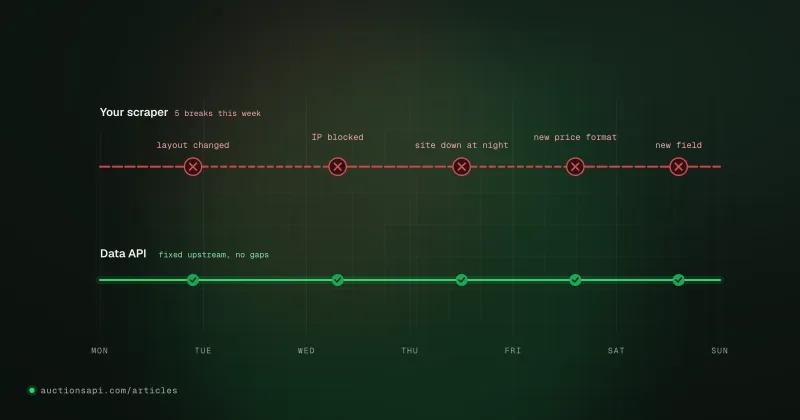
You can collect Copart and IAAI pages yourself or buy a feed. Collecting yourself means proxies, layout changes, two auctions with different field names and an archive that starts on the day your scraper does. A feed means a monthly bill and a contract you depend on. Either way, design your database around vehicles and lots as described above, so the source can change without rewriting the site.
If you choose a feed, look at three things before anything else: whether sold lots come with final bids, whether there is an incremental "changed since" mode, and whether both auctions arrive in one format. Our Copart and IAAI API was built around exactly those three, and the page about building a site like bid.cars shows the same records from the visitor's side.
What to do this week
Write down the five page types you want (catalog, lot, VIN, sold archive, calculator) and the fields each one shows. Then pull a dozen real records, map them to the vehicles and lots tables, and build one lot page end to end. The Quickstart covers the import, the hourly update and the archive loop in three requests, which is the backbone everything else hangs from.
Questions people ask
How much does it cost to build a car auction website like bid.cars?
The software itself can be built by one or two developers over a few months with standard tools. The ongoing costs are the data feed, hosting for the database and search index, and image storage if you mirror photos. Image storage is the line that grows fastest, so decide early whether you keep photos of sold lots.
Is it legal to show Copart and IAAI lots on my own website?
Many independent sites show auction data, but the auctions have their own terms for their websites and photos, and rules differ by country. Use a data source whose terms allow your use, do not present your site as the auction or as affiliated with it, and ask a lawyer about your specific market before launch.
Can visitors buy cars directly on a site like bid.cars?
Not on the website itself. Purchases happen on Copart or IAAI, by a registered member or through a licensed broker. Sites like these usually offer a broker service or pass the visitor to one. A data API only supplies information about lots; it has no way to buy or sell anything.
How often should a car auction website update its data?
Hourly is the usual baseline: one job that fetches vehicles changed in the last hour and lots that left the auction in the same window. Polling every few minutes adds load without much new data. Show the time of the last price update on the page so visitors know how fresh a bid is.
Why do sites like stat.vin show cars that were sold years ago?
Because they kept every lot they ever imported, with its photos and final bid. Search engines index those VIN pages, and people look up a VIN after they buy a car or before they buy a used one. A new site only has the history it stores from its first day, which is why the archive feed should be part of the first release.